Vi garanterer at du får den laveste pris. Hvis du finder en bedre pris andre steder til samme sprogkursus inden for 48 timer, refunderer vi forskellen. Vis detaljer
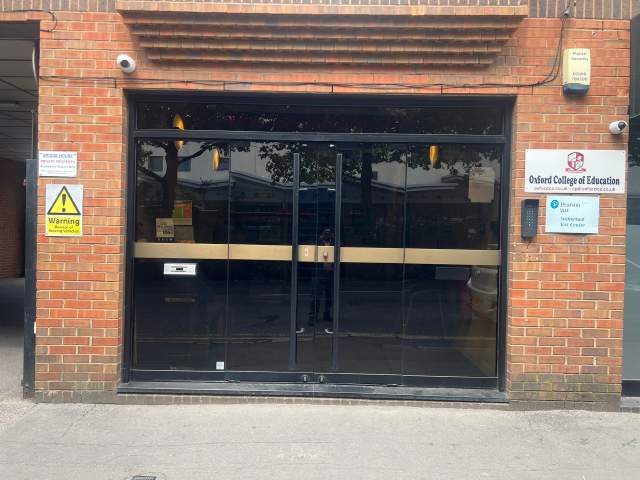
Oxford College of Education Bridge House, 56 Bridge St, High Wycombe, High Wycombe, Buckinghamshire HP11 2EL, UK
Klasseskemaet kan ændres afhængigt af tilgængelighed og tid på året.
Beskrivelse af sprogkursus
(Translated by Google Translate)
Microsoft Excel Certification Level 3
Please Note: This course uses the Windows version of Microsoft Office 2016. Any other versions will have some differences in the functions.
The Microsoft (MS) Excel Certification Level 3 Course is the most comprehensive of the three Excel courses presented here. If a team member has successfully completed the Level 1 and Level 2 courses, they will be fully prepared to start the Level 3 course.
Formulae or functions are what advanced users of Excel want from this tool. When you use formulae, not only can you see the data that you require for your work, you can also analyse it and get answers to complex questions.
Although anyone with some Excel knowledge can use formulae, such as SUM, a user who has the advanced Excel skills presented in this course will use other formulae, both alone and combined, such as MATCH, INDEX, DSUM and VLOOKUP.
In addition to knowing and using these formulae, an advanced user of Excel knows how to debug these formulae, how to audit them and how to choose the perfect formula for the particular task to be carried out.
What’s Covered in the Course?
Any staff member choosing to study this course can expect to gain the following skills:
How to set A Password to an Excel document;
VLOOKUP Advanced formula options and manipulations;
Other advanced functions: OR, AND, CHOOSE, INDIRECT, REPLACE, LEN, LEFT, FIND;
Functions of CEILING, CORREL, DATEDIF, DATEVALUE, DAVERAGE and EDATE;
Colouring a column and row with a formula;
Highlighting a cell with a formula;
Functions of ISODD, ISNUMBER, ISTEXT, ISLOGICAL, ISNONTEXT, ISERR and ISBLANK;
Functions of DGET, DMAX, DPRODUCT, DCOUNTA, DCOUNT and DSUM;
How to calculate depreciation in Excel, including SLN depreciation and SYD depreciation;
Calculating loan IPMT and EMI;
Functions of DATEDIF, DATEVALUE, EDATE, EOMONTH, MATCH and INDEX;
Full explanation of the INDEX and MATCH functions;
Looking up data;
Selecting only cells containing comments;
Hiding formulae;
Automatically inserting serial numbers;
The employee will also learn about calculating depreciation, calculating interest and calculating IPMT and EMI for loans, all by using Excel functions.
The course features information on INDEX and MATCH functions, which is important in certain industries and roles. It also shows learners how to use the CHOOSE formula and how to create special charts.
What are the Benefits of the Course?
Upon completion of the Level 3 course, the employee will have access to the full functionality of Excel and will know how to use all of its formulae, functions and capabilities;
The Level 3 Excel course is designed for ‘power’ users, but not only for programmers and those interested in financial modelling;
Competent Excel users add huge value to an organisation, through advanced data analysis.
Modules
Module 1: Add a Password
Module 2 : AND Function
Module 3 : Auto Updating Drop-down Lists
Module 4 : CEILING Formula
Module 5 : Charts that Update Automatically
Module 6 : CHOOSE Formula
Module 7 : Compare 2 Lists with VLOOKUP Function
Module 8 : CORREL Function
Module 9 : Create an Advanced Calculator
Module 10 : Create a Combo Chart
Module 11 : Create a Custom Tab
Module 12 : Create a Pivot Chart
Module 13 : Create Visual In-cell Indicators
Module 14 : Create Visual In-cell Indicators with Icon Sets
Module 15: Customise the Status Bar
Module 16: DATEDIF Function
Module 17: DATEVALUE Function
Module 18: DAVERAGE Function
Module 19 : DCOUNT Function
Module 20 : DCOUNTA Function
Module 21 : Depreciation Formula
Module 22 : DGET Function
Module 23 : DMAX Function
Module 24 : DPRODUCT
Module 25: DSUM Function
Module 26: EDATE Function
Module 27: EOMONTH Function
Module 28: Find and Replace
Module 29: FIND Function
Module 30: INDEX Function
Module 31: INDEX MATCH Function
Module 32: INDIRECT Function
Module 33: Insert Serial Number Automatically
Module 34: IPMT Function
Module 35: ISBLANK Function
Module 36: ISERR Function
Module 37: ISLOGICAL Function
Module 38: ISNONTEXT Function
Module 39: ISNUMBER Function
Module 40: ISODD Function
Module 41: Isolate First Name
Module 42: ISTEXT Formula
Module 43: LEFT Function
Module 44: LEN Function
Module 45: MATCH Function
Module 46: VLOOKUP Multiple Results at Once
Module 47: OR Function
Module 48: PMT Function
Module 49: REPLACE Function
Module 50: Select all Cells with Comments
Module 51: Sparkline Charts in Excel
Module 52: Straight Line Depreciation
Module 53: Strikethrough
Module 54: Sum of Years Depreciation
Module 55: Timeline in Pivot Table
Module 56: VLOOKUP with 2 Criteria
Module 57: VLOOKUP with DropDown List
Module 58: VLOOKUP with MAX
Module 59: VLOOKUP with MIN
Module 60: Watch Window In Excel
Klasseniveau
Alle niveauer, begydner til advanceret
Du skal tage en placeringstest på din første dag, for at bestemme dit niveau Du kan også tage denne test før din ankomst i High Wycombe.
Klassens størrelse
Gennemsnit
12 elever
Maksimum
15 elever
Elevalder
Aldersomfang
16 - 35 ans
Gennemsnit
19 ans
Certifikat
Et diplom vil blive uddelt i slutningen af sprogkurset.
Læs mere...
school
Beskrivelse af skolen
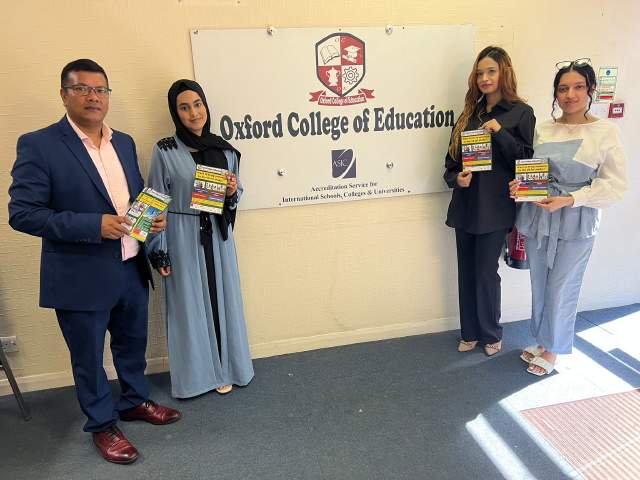
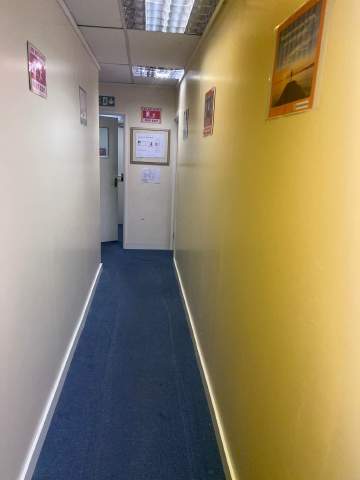
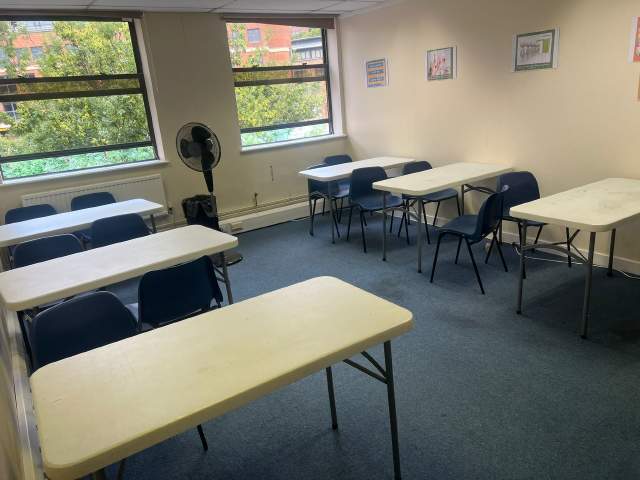
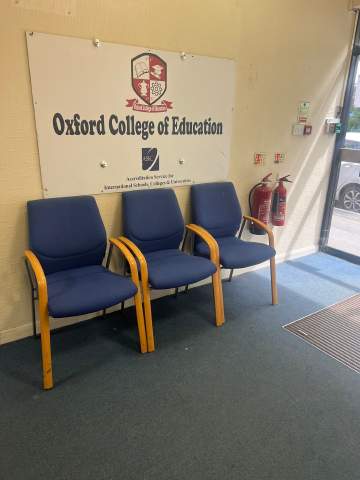
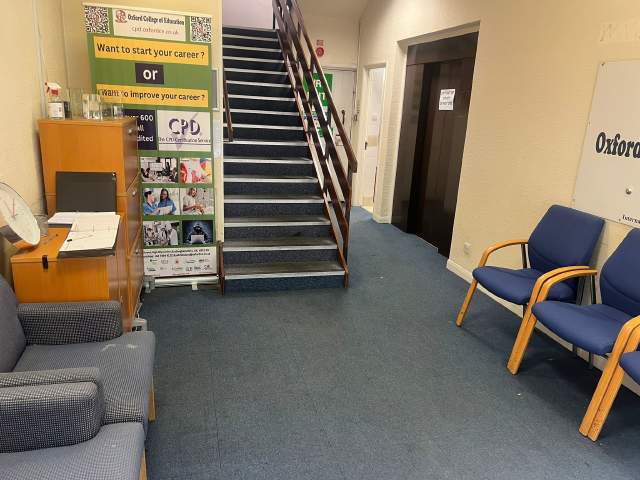
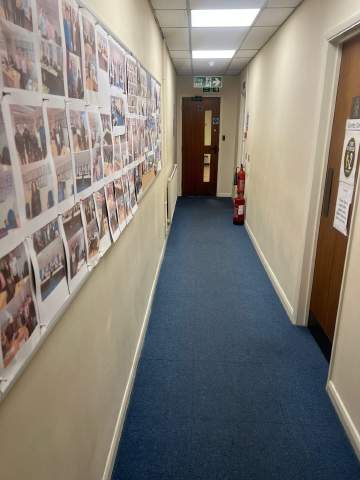
OCE ligger i hjertet af High Wycombe og er en af de mest populære skoler i UK. Skolen specialiserer sig i undervisning af Engelsk til udenlandske elever som dig. Skolens klassestørelse er også meget lille i forhold til ande skoler De har også meget venlige lærere og ansatte der vil tage god hånd om dig mens du er i High Wycombe.
År åbnet
2017
Antal klasseværelser
6
Akkreditationer
Faciliteter
Bibliotek
Elevatorer
Adgang for kørestolsbrugere
Spise-området
Gratis internet
Trådløst internet
Computere
Seminarer efter klasser
At studere området
Audio-learning
Lærerkvalifikationer
Indfødte Engelsk talere
Over 50%
Lærere med Engelsk undervisningscertifikat
Over 50%
Lærere med universitetsgrader
Over 50%
Nationalitet- og aldersblanding
Nationalitet- og aldersblandingen på Oxford College of Education varierer over forskellige tidsperioder, kurser og niveauer. Gennem året, er den gennemsnitlige alder 19. Om sommeren er den gennemsnitlige alder 19.
Skoleferier
OCE har ikke lektioner på feriedagene. Skolen kompenserer ikke for disse feriedage, så vær sikker på at du angiver din startdato korrekt.
åbne datoer
året rundt
Skoleferier
Ingen
Læs mere...
photos
Fotos
Oxford College of Education1/10
Oxford College of Education2/10
Oxford College of Education3/10
Oxford College of Education4/10
Oxford College of Education5/10
Oxford College of Education6/10
Oxford College of Education7/10
Oxford College of Education8/10
Oxford College of Education9/10
Oxford College of Education10/10
visa
Visa support
Vi kan ikke ansøge om visa på vejne af elever. Men skolen kan give dig alt den dokumentation du skal bruge når du ansøger om dit visa.
Hvis du studerer i Storbritannien i over 11 måneder, vil du modtage et referencenummer kaldet en bekræftelse af accept for studier (CAS), som du skal indsende til det britiske ambassade sammen med din almindelige Student Visa ansøgning. Studerende, der med succes har booket et sprogkursus og har betalt deres honorarer vil modtage en CAS fra OCE. Bemærk venligst, at den britiske lovgivning siger, at en CAS kun kan udstedes til studerende, der agter at følge engelske sprogstudier i over 11 måneder.
Hvis du studerer i Storbritannien i 11 måneder eller derunder, er du nødt til at ansøge om en særlig besøgende visa kaldes en Student besøgsvisa. Som besøgende, vil du ikke være i stand til at arbejde på deltid, mens de studerer. Hvis du planlægger at studere i Storbritannien i 11 måneder eller derunder, vil et brev om accept blive sendt til din hjemadresse med almindelig post uden omkostninger for dig.
Please note that we do not book flights for our students. If you are researching airfare costs, we recommend using Kayak.com, a search engine that lets you compare flight options from your home country to High Wycombe based on your budget, schedule and preferences.
Rejseforsikring
Studieophold i udlandet problemfri med Language Internationals sundheds og personlige effekter forsikringsdækning. Når du booker et kursus hos os, kan du vælge at købe en international forsikring, der dækker ikke kun dine sundhedsudgifter, men også tab af dine personlige ejendele. Du skal bestille din forsikring i forvejen når du tilmelder dig.